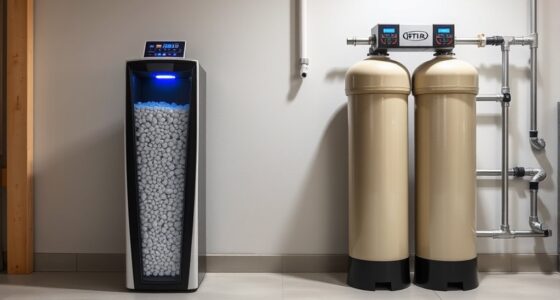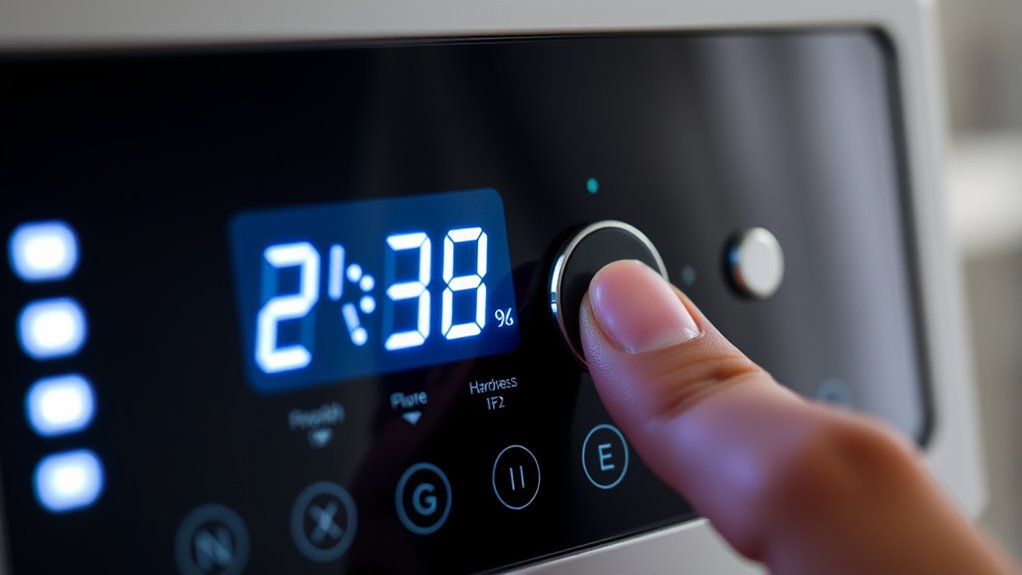

To set the hardness level on your programmable water softener, first locate the control panel and check for a “hardness” or “set hardness” button. Use this button to input your water’s hardness level, which you should determine with a test kit or from your water supplier. Make sure to save the setting and verify it’s correctly displayed. If you need more detailed steps, there are simple tips to help you fine-tune your system effectively.
Key Takeaways
- Locate the control panel and access the hardness or set hardness option.
- Measure your water’s hardness using a test kit or consult your water supplier.
- Enter the measured hardness value into the control panel, using grains per gallon (gpg) or mg/L units.
- Use sliders, dials, or buttons to fine-tune the hardness setting if available.
- Save and verify the setting on the display, ensuring it matches your recent test results.
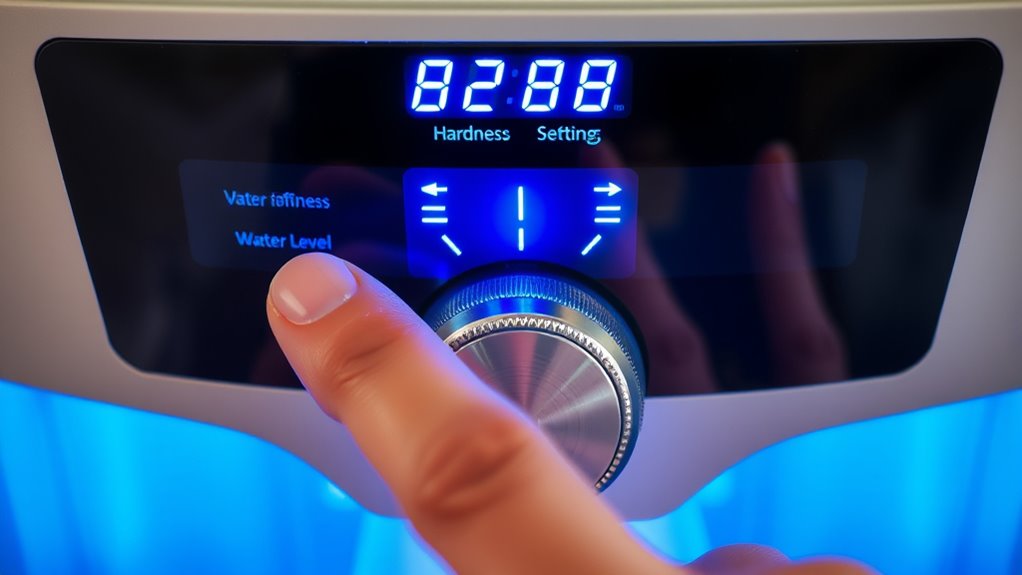
If you have a programmable water softener, setting the correct hardness level is vital for ideal performance. Properly adjusting this setting ensures your softener runs efficiently, prevents mineral buildup, and prolongs the lifespan of your appliances. Before diving into the setup process, it’s important to review safety precautions to avoid any mishaps. Disconnect the power supply if you need to access internal components or perform maintenance, and always handle electrical parts with dry hands. Keep the area clear of water spills to prevent slips and electrical hazards. Wearing protective gloves can also help shield your skin from any residual minerals or cleaning agents. Once safety measures are in place, you can proceed to set the hardness level.
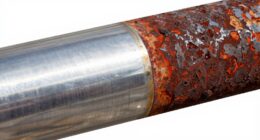
Start by locating your softener’s control panel and accessing the display or keypad. Many models have a “hardness” or “set hardness” button, but if not, consult your user manual for specific instructions. You’ll typically need to input the hardness value of your water, which is measured in grains per gallon (gpg) or milligrams per liter (mg/L). To find this, test your water using a water hardness test kit or contact your local water supplier for recent reports. Once you have the correct hardness value, enter it into the softener’s control panel. If your unit allows, you might also be able to fine-tune the setting by adjusting sliders or dials as specified. Maintaining an accurate hardness level is essential for effective water softening and avoiding issues like scale buildup.
Troubleshooting tips come in handy if your softener isn’t performing as expected after setting the hardness level. For instance, if you notice scale buildup or soap scum, double-check that you entered the correct hardness value. Incorrect settings often cause these issues. If the display shows an error code, consult your user manual for guidance. Sometimes, resetting the device or performing a manual regeneration cycle helps recalibrate the system. If problems persist, verify that your water test results are accurate and re-enter the hardness level accordingly. Also, ensure your salt levels are sufficient, as improper salt dosing can affect softener operation even with correct hardness settings.
Frequently Asked Questions
Can I Change the Hardness Level Once It’s Set?
Yes, you can change the hardness level once it’s set. To do this, follow the calibration procedures in your softener’s manual, which typically involve adjusting the hardness settings through the control panel. Regular softener maintenance guarantees these settings stay accurate. Make sure to recheck the hardness level after adjustments to confirm proper operation. This helps optimize your softener’s performance and prolongs its lifespan.
Is There a Recommended Hardness Level for Specific Water Types?
Imagine water flowing smoothly through your home, each drop perfectly softened. For best softener maintenance, set your hardness level based on your water quality. Generally, a level around 10-15 grains per gallon suits most residential water types, but if your water’s particularly hard or soft, adapt accordingly. Regularly check and recalibrate to ensure your softener keeps water crystal clear, protecting appliances and optimizing performance.
How Often Should I Reprogram the Hardness Settings?
You should reprogram the hardness settings after water testing shows a change in your water’s mineral content, or if you notice issues like soap scum or scaling. Regular softener maintenance helps guarantee peak performance, so consider testing your water annually or whenever you suspect a shift in hardness levels. Reprogramming keeps your softener working efficiently, saving you money and preventing potential damage caused by incorrect hardness settings.
What Signs Indicate My Current Hardness Level Is Incorrect?
You might notice signs like increased calcium buildup on fixtures or soap not lathering well, indicating your hardness level is off. Ignoring these signs can shorten your water softener’s lifespan and reduce its efficiency. Regularly check for mineral deposits and monitor water quality. Adjust your settings if you see these issues, ensuring your system works effectively and lasts longer, saving you money and trouble down the line.
Does Setting a Higher Hardness Level Affect Soap Effectiveness?
Setting a higher hardness level can decrease soap lathering because harder water makes soap less effective. When your water quality has higher mineral content, soap struggles to produce rich lather, leading to more soap scum. Adjusting the hardness level correctly guarantees your soap works efficiently, improving cleaning and lathering. So, if you notice poor soap lathering, check and adjust your hardness setting to match your water quality.
Conclusion
Now that you know how to set the hardness levels on your softener, you’re almost ready to enjoy truly soft water. But remember, this is just the beginning—each setting impacts more than you realize. Will you notice the subtle differences over time? The true test lies ahead: trusting your adjustments to protect your appliances and your home. Are you prepared to master this skill and access the full potential of your softener? The choice is in your hands.