If your Roborock Q10 S5+ isn’t mopping as it should, it can be frustrating, especially since it’s designed with advanced features like Sonic Mopping and Auto Mop Lifting. Often, the cause is simple to fix, but identifying the root problem requires a systematic approach. This guide will walk you through common causes and practical, safe solutions to get your robot back to effective mopping.
Whether it’s a connectivity issue, a clogged component, or a misconfiguration, these step-by-step instructions will help you troubleshoot efficiently and safely. Before starting, ensure your robot is fully charged and on a stable surface to avoid accidents during maintenance.
Key Takeaways
| Check water tank and mop pad | Ensure the water tank is filled and the mop pad is properly installed. |
| Verify cleaning mode | Confirm that mopping mode is activated in the app. |
| Inspect for blockages | Look for clogs or obstructions in the water supply system. |
| Update firmware | Keep your device’s firmware current for optimal performance. |
| Perform regular maintenance | Clean brushes, sensors, and water components regularly. |

roborock Q10 S5+ Robot Vacuum and Mop, 10,000Pa Suction
- Long-Lasting Self-Emptying Station: 70 days of maintenance-free cleaning
- Powerful 10,000Pa Suction: Effortlessly lifts pet hair and debris
- Anti-Tangle Brush System: Reduces hair tangling for smooth operation
As an affiliate, we earn on qualifying purchases.
Ensure the Mopping Mode is Enabled
- Open the Roborock app and connect to your device.
- Navigate to the cleaning settings.
- Verify that the ‘Mop’ option is activated, especially if you’re expecting mopping to start automatically.
- Check if the robot is set to the correct cleaning mode—sometimes, switching between vacuum-only and vacuum + mop modes can cause confusion.
Check and Fill the Water Tank
- Remove the water tank from the robot and inspect for any blockages or leaks.
- Fill the water tank with clean water up to the indicated level.
- Ensure the water cap is securely closed and the tank is properly seated back in the robot.
- Note: The Q10 S5+ has an advanced water delivery system; an empty or improperly installed tank can prevent mopping from starting.
Inspect and Replace the Mop Pad
- Remove the mop pad and check for dirt, wear, or damage.
- Wash the microfiber mop pad if reusable (recommended every 1-3 months), or replace it if excessively worn or soiled.
- Ensure the mop pad is correctly attached, with the velcro or fastening system securely in place.
- A poorly fitted or dirty mop pad can prevent effective mopping or cause the robot to skip mopping tasks.
Check for Blockages and Clean Components
- Inspect the water outlet, tube, and nozzles for clogs or debris.
- Clean the obstacle sensors, water outlets, and brushes with a soft, dry cloth.
- Remove any hair or debris tangled in the brushes or wheels, as this can impair movement and mopping performance.
- Regular maintenance ensures the water flow and cleaning mechanisms work properly.
Update Firmware and Perform a Reset
- Open the Roborock app and check for firmware updates. Install any available updates.
- If issues persist, perform a soft reset: turn off the robot, wait 10 seconds, then turn it back on.
- For persistent issues, restore factory settings via the app, but note this will erase custom schedules and settings.
Additional Tips and Safety Warnings
- Always use only the recommended water levels and mop pads to avoid leaks or damage.
- Keep the robot on a flat, unobstructed surface during maintenance and troubleshooting.
- Make sure the robot’s firmware is regularly updated for security and performance improvements.
- If the robot still does not mop after troubleshooting, contact Roborock support for professional assistance.
The Products in This Guide

roborock Q10 S5+ Robot Vacuum and Mop
- ✔ Model: Q10 S5+
- ✔ Water Capacity: Approx. 300 mL
- ✔ Battery Life: Up to 70 days

4 Pack Washable Filter
- ✔ Pack Size: 4 filters
- ✔ Compatibility: Multiple Roborock models
- ✔ Material: HEPA washable
roborock Q10 S5+ Robot Vacuum and Mop
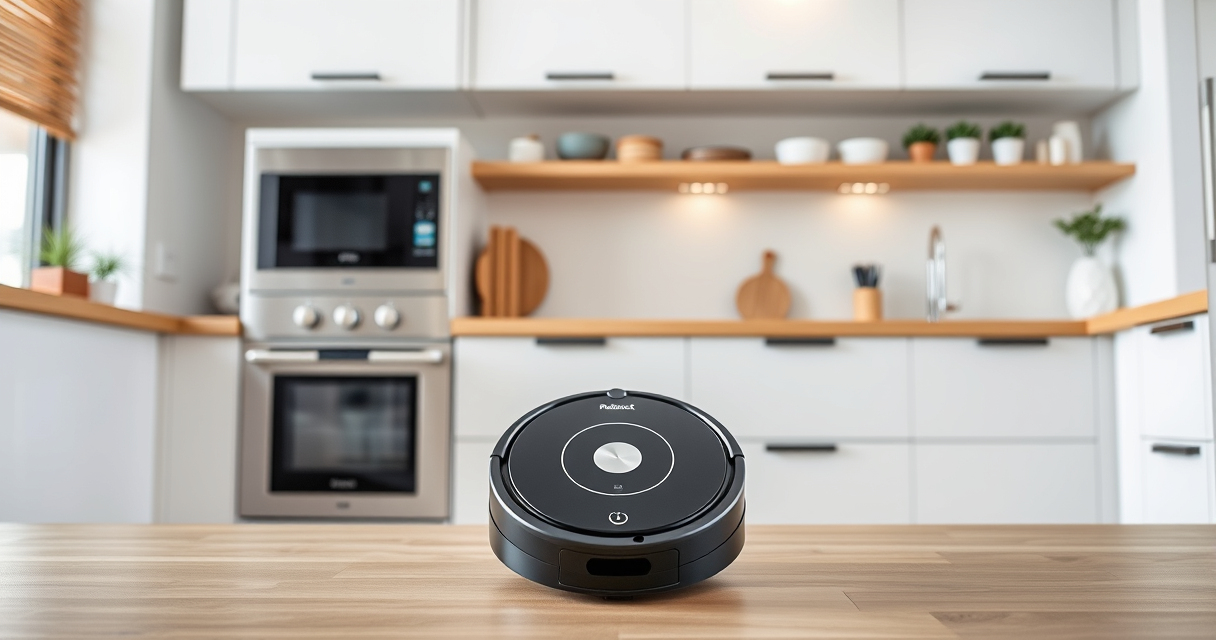
The Roborock Q10 S5+ offers 10,000 Pa of suction and Sonic Mopping, making it an excellent choice for deep cleaning and thorough mopping. Its self-emptying station reduces maintenance efforts, while obstacle avoidance ensures smooth operation. Troubleshooting mopping issues involves checking water supply, mop pad placement, and firmware updates.
Pros:
- High 10,000 Pa suction for deep cleaning
- Self-emptying station for convenience
- Obstacle avoidance technology
- Sonic mopping with auto mop lifting
Cons:
- Can be complex to troubleshoot for first-time users
- Requires regular maintenance of water components
- Higher price point
Best for: Homes with pets and high-traffic floors requiring both vacuuming and mopping
Not ideal for: Users seeking a budget-friendly option or minimal maintenance
Bottom line: The Roborock Q10 S5+ combines powerful cleaning with intelligent mopping, but regular maintenance is key to optimal performance.
4 Pack Washable Filter
The 4 Pack Washable Filter for Roborock models ensures your vacuum maintains maximum suction and air quality. Easy to install and clean, these filters help sustain your device’s cleaning power over time.
Pros:
- Keeps suction strong
- Washable and reusable
- Compatible with multiple models
- Easy to install
Cons:
- Requires regular washing
- Not OEM but effective
- Limited lifespan if not maintained
Best for: Pet owners and allergy sufferers needing efficient filtration
Not ideal for: Users looking for OEM parts or minimal maintenance
Bottom line: Keep your Roborock running efficiently with these washable filters, ensuring clean air and strong suction.
Frequently Asked Questions
Why isn’t my Roborock mopping even though I set it to do so?
Check if the water tank is properly filled and installed, the mop pad is correctly attached, and the mopping mode is enabled in the app. Also, ensure firmware is up to date.
How often should I replace or wash the mop pad?
Rewash microfiber mop pads every 1-3 months depending on usage, and replace them if they show signs of wear or damage for optimal cleaning.
My robot is not dispensing water during mopping, what should I do?
Inspect the water outlet and tubing for clogs or leaks, clean the nozzles, and ensure the water tank is filled and seated correctly.
Can I use third-party mop pads or filters?
Yes, as long as they are compatible with your model and meet quality standards. But using original or recommended accessories ensures best performance.
How do I update the firmware on my Roborock?
Open the Roborock app, connect to your device, and check for firmware updates in the device settings. Follow prompts to download and install updates.
Restore Your Roborock’s Mopping Power with These Tips
Regular maintenance, correct setup, and firmware updates are essential for the Roborock Q10 S5+ to perform its best in mopping tasks. By systematically checking water levels, mop pads, and cleaning components, you can resolve most issues quickly and safely. If problems persist, reaching out to support ensures professional assistance, keeping your floors spotless without hassle.
Affiliate disclosure: As an Amazon Associate we earn from qualifying purchases. Prices and availability are accurate as of the time of publishing.