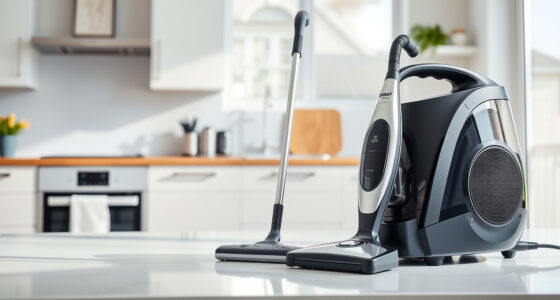
If your Dyson cordless vacuum isn’t providing the usual suction power, it can be frustrating. This guide helps you understand the common causes of suction loss and offers practical, safe solutions to restore its performance. Regular maintenance and correct troubleshooting steps can keep your vacuum running efficiently.
Follow these clear instructions to diagnose and fix suction issues, ensuring your Dyson V15 Detect™ Origin works like new again.
Key Takeaways
| Check for blockages | Blocked hoses or nozzles reduce suction. |
| Filter cleanliness | Dirty filters can impair airflow and suction. |
| Properly installed parts | Loose or misaligned components cause suction loss. |
| Battery and motor health | A failing motor or battery can affect suction power. |
| Routine maintenance | Regular cleaning prevents common suction problems. |

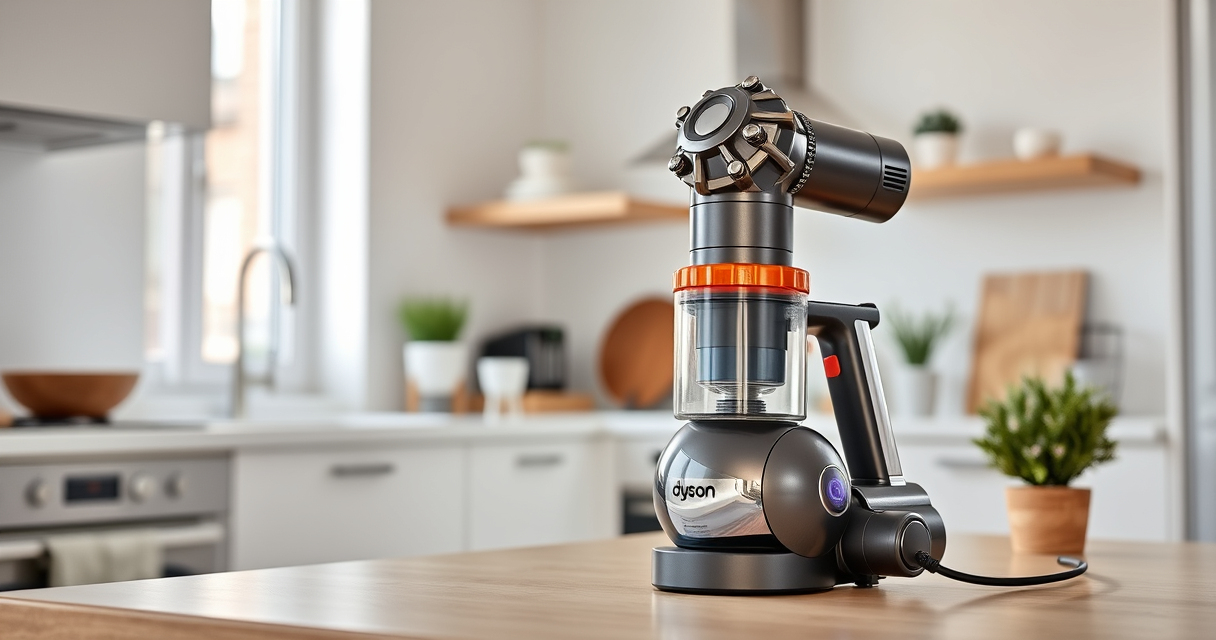
Dyson V15 Detect™ Origin Cordless Vacuum
Powerful and intelligent for whole-home deep cleaning. Reveals invisible dust.
As an affiliate, we earn on qualifying purchases.
Step 1: Power Off and Unplug
- Before inspecting or cleaning, turn off your Dyson vacuum and unplug it from the charging station or power source.
- Ensure the vacuum is cool and safe to handle.

LANMU Crevice Tool Vacuum Attachments Compatible with Dyson V15 V12 V11 V10 V9 V8 V7 Gen5 Outsize Vacuum Cleaner, Narrow Nozzel Replacement Parts for Hard-to-Reach Space
Wide Compatibility: This crevice tool attachment is compatible with V15 V12 V11 V10 V9 V8 V7 Gen5 G5...
As an affiliate, we earn on qualifying purchases.
Step 2: Check for Blockages
- Detach the cleaner head and wand from the main body.
- Inspect the wand, hose, and cleaner head for obstructions or debris.
- Remove any visible blockages carefully, using a long, slender tool if needed.
Step 3: Clean or Replace Filters
- Remove the pre-filter and main filter from the vacuum, following the user manual instructions.
- Rinse filters under cold water until clean, then let them air dry completely for 24 hours.
- Reinstall the filters securely once dry.
Step 4: Check for Proper Assembly
Ensure all parts, including the cleaner head, wand, and dustbin, are correctly clicked into place. Misalignment can reduce suction.
Step 5: Test the Vacuum
- Reassemble the vacuum completely.
- Turn it on and test suction on a known clean surface.
- If suction is restored, you’ve fixed the issue. If not, proceed to further troubleshooting or professional service.
The Products in This Guide

Dyson V15 Detect™ Origin Cordless Vacuum
- ✔ Battery Life: Up to 60 mins
- ✔ Filter Type: HEPA pre-filter
- ✔ Weight: 6.8 lbs

LANMU Crevice Tool Vacuum Attachments Compatible
- ✔ Length: Approx. 15 inches
- ✔ Material: Plastic
- ✔ Compatibility: Multiple Dyson models
Dyson V15 Detect™ Origin Cordless Vacuum
The Dyson V15 Detect™ Origin offers powerful, intelligent cleaning with advanced features. It detects debris, adapts power, and provides real-time particle data, making it an excellent choice for thorough home cleaning.
Pros:
- Powerful suction
- Intelligent debris detection
- Long battery life
- Multiple cleaning heads
Cons:
- Higher price point
- Requires regular filter maintenance
- Heavier than some handhelds
Best for: Whole-home deep cleaning, pet hair, hard floors, carpets
Not ideal for: Light occasional cleaning or small apartments
Bottom line: A high-performance cordless vacuum ideal for thorough, intelligent cleaning.
LANMU Crevice Tool Vacuum Attachments Compatible
The LANMU Crevice Tool Vacuum Attachments are compatible with Dyson models including the V15. It features a slim, flexible design to reach tight corners and tricky spaces, enhancing your cleaning effectiveness.
Pros:
- Narrow nozzle for tight spaces
- Versatile for furniture and car seats
- Durable construction
- Easy to attach
Cons:
- May not fit older Dyson models
- Limited to crevice cleaning
- Requires separate purchase
Best for: Cleaning corners, edges, and small gaps
Not ideal for: Large debris removal or deep carpet cleaning
Bottom line: An effective tool to enhance your Dyson’s reach and cleaning precision.
Frequently Asked Questions
Why does my Dyson vacuum have no suction?
Common causes include blockages, dirty filters, improperly assembled parts, or a full dustbin. Following the troubleshooting steps can help identify and fix the issue.
How often should I clean the filters?
It’s recommended to rinse the filters every 1-3 months and allow them to air dry completely before reinstalling. Replace filters as needed based on performance.
Can I use the Dyson without filters?
No, filters are essential for maintaining suction and trapping dust. Running without filters can damage the motor and reduce cleaning efficiency.
What should I do if cleaning doesn’t restore suction?
If troubleshooting doesn’t fix the problem, consider contacting Dyson customer support or a professional repair service for further assistance.
Keep Your Dyson Suction Power Strong
Regular maintenance, such as cleaning filters and checking for blockages, is key to keeping your Dyson cordless vacuum performing at its best. Following the troubleshooting steps outlined will help resolve most suction issues safely and effectively, ensuring your home stays clean with minimal hassle.
Affiliate disclosure: As an Amazon Associate we earn from qualifying purchases. Prices and availability are accurate as of the time of publishing.