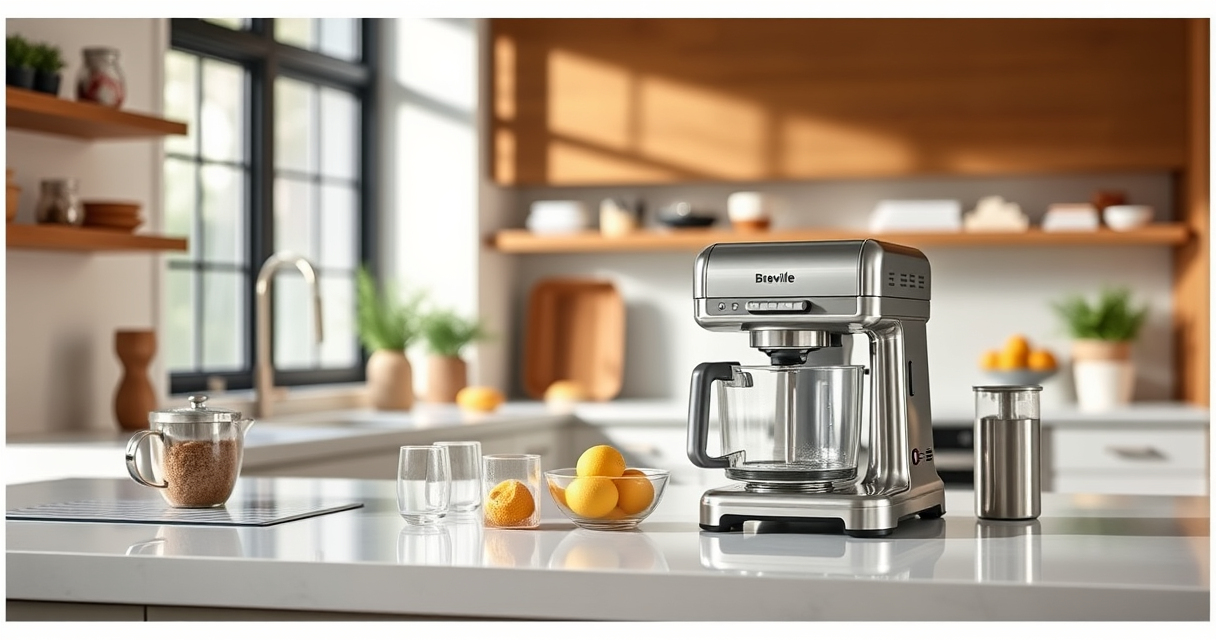
If your Breville Bambino Plus espresso machine isn’t heating properly, it can be frustrating and disrupt your coffee routine. This guide provides practical, step-by-step troubleshooting tips to help you identify and resolve heating issues safely and effectively. Whether it’s a minor glitch or a more serious problem, following these instructions can save you time and potentially costly repairs.

Get home appliances delivered free with Prime
- Fast, free delivery on millions of items
- Prime Video, Amazon Music and more included
- Member-only deals all year
Before starting, ensure your machine is unplugged and cooled down to prevent burns or electrical hazards. Regular maintenance, proper descaling, and using quality water can also prevent heating problems in the future.
Key Takeaways
| Check the power and settings | Ensure the machine is plugged in and set to the correct heating mode. |
| Inspect the water filter and descaling | Clogged filters or scale buildup can impair heating; clean or replace as needed. |
| Test the thermostat and heating element | Faulty components can prevent heating; testing or replacing may be necessary. |
| Examine the power switch and wiring | Loose or damaged wiring can cause power issues; inspect carefully. |
| Seek professional repair if needed | Complex electrical issues should be handled by qualified technicians. |
Step 1: Verify Power and Basic Settings
- Ensure the espresso machine is properly plugged into a functioning outlet. Test the outlet with another device to confirm power.
- Check that the machine’s power switch is turned on. Some models have indicator lights; verify they are lit.
- Make sure the machine’s water reservoir is filled and correctly seated. An empty or improperly positioned reservoir can interrupt heating.
- Confirm that the machine’s heat setting is correctly selected, if applicable. The Bambino Plus has an automatic heating system, but ensure no settings are accidentally turned off.
Step 2: Inspect the Water Filter and Descaling
- Clogged water filters can restrict water flow and affect heating performance. Remove the charcoal filter (if installed) and inspect for debris or scale buildup.
- Perform regular descaling using appropriate descaling tablets or solutions, especially if you notice mineral deposits or reduced performance.
- Follow manufacturer instructions for descaling, typically involving filling the water reservoir with the solution, running it through the machine, and rinsing thoroughly.
Step 3: Test the Thermostat and Heating Element
If basic checks don’t resolve the issue, the thermostat or heating element may be faulty. These components regulate and generate heat, and their failure prevents the machine from reaching the correct temperature.
Testing these parts typically requires a multimeter and some technical knowledge. If you’re comfortable, disconnect the machine from power, access the internal components, and check for continuity. If either part shows no continuity, it needs replacing.
For safety reasons, consider having a professional repair technician handle this step if you’re unsure.
Step 4: Examine Power Switch and Internal Wiring
Loose or damaged wiring can cause intermittent or no heating. Unplug the machine, open the casing carefully (following manufacturer instructions), and inspect all visible wiring and connections.
Look for frayed wires, burn marks, or loose connectors. Secure any loose connections and replace damaged wires or connectors as needed. Reassemble the machine securely before testing.
Note: If you’re not experienced with electrical repairs, it’s best to consult a professional to avoid risk of shock or further damage.
Step 5: Consider Professional Repair or Replacement
If all troubleshooting steps fail, or if you’re uncomfortable performing internal repairs, it’s wise to contact an authorized Breville service center or a qualified appliance repair professional. They can diagnose and fix complex electrical or component issues safely.
Sometimes, replacing the entire unit may be more cost-effective if the machine is old or has extensive damage. However, regular maintenance can extend your machine’s lifespan significantly.
The Products in This Guide

Breville Bambino Plus
- ✔ Weight: 12.5 lbs
- ✔ Dimensions: 13.2 x 7.7 x 12.5 inches
- ✔ Warranty: 1 year

Breville BEC250 Espresso Machine Cleaning Tablets
- ✔ Weight: 1.2 oz per pack
- ✔ Shelf life: 2 years
- ✔ Manufacturer: Breville
Breville Bambino Plus
The Breville Bambino Plus is a popular choice for coffee enthusiasts seeking café-quality espresso at home. Its ThermoJet heating system ensures fast warm-up times, and its compact design fits well in smaller kitchens. When it keeps not heating, troubleshooting the electrical and water systems can often resolve the issue without costly repairs.
Pros:
- Fast heat-up with ThermoJet
- Compact and stylish design
- Consistent extraction with dose control
- Easy to use and clean
Cons:
- Can be sensitive to water quality
- Requires regular descaling
- Electrical issues may need professional repair
Best for: Home baristas who want café-quality espresso quickly
Not ideal for: Users uncomfortable with DIY repairs or electrical troubleshooting
Bottom line: Proper troubleshooting can restore your Breville Bambino Plus’s heating function effectively.
Breville BEC250 Espresso Machine Cleaning Tablets
Regular cleaning is essential to maintain your Breville espresso machine’s performance. The Breville BEC250 Cleaning Tablets are designed specifically for Breville models, helping to remove coffee oils and residues that can affect heating and extraction quality.
Pros:
- Prolongs machine life
- Easy to use
- Effective at removing build-up
- Made by Breville
Cons:
- Requires regular use
- Limited to compatible models
- Additional cleaning products needed for descaling
Best for: Maintaining optimal performance and preventing heating issues
Not ideal for: Users seeking a quick fix rather than regular maintenance
Bottom line: Using the right cleaning tablets regularly can prevent heating issues caused by build-up.
Frequently Asked Questions
Why isn’t my Breville Bambino Plus heating up?
Possible reasons include electrical wiring issues, a faulty thermostat or heating element, or water-related problems like scale buildup or a clogged filter. Follow troubleshooting steps to identify the cause.
Can I repair the heating element myself?
If you have technical experience and the necessary tools, you can test and replace the heating element. Otherwise, it’s safer to contact a professional technician.
How often should I descale my Breville espresso machine?
It’s recommended to descale every 1-3 months depending on water hardness and usage to prevent scale buildup that can impair heating and performance.
What safety precautions should I take before troubleshooting?
Always unplug the machine, allow it to cool completely, and handle internal components carefully. If unsure about electrical repairs, seek professional assistance.
How long does the descaling process take?
Typically, descaling takes about 30-45 minutes, including preparation, running the descaling solution through the machine, and rinsing thoroughly.
Bring Your Espresso Back to Life with Proper Troubleshooting
Experiencing heating issues with your Breville Bambino Plus doesn’t have to mean the end of your coffee enjoyment. By systematically checking power, water quality, and internal components, you can often resolve the problem yourself. Remember to prioritize safety and consider professional repair for complex electrical issues. Regular maintenance, including cleaning and descaling, will help keep your machine functioning optimally for years to come.
Affiliate disclosure: As an Amazon Associate we earn from qualifying purchases. Prices and availability are accurate as of the time of publishing.
Columbus Day / Indigenous Peoples' Day Picks
long weekend sales
As an affiliate, we earn on qualifying purchases.