
TL;DR

Get home appliances delivered free with Prime
- Fast, free delivery on millions of items
- Prime Video, Amazon Music and more included
- Member-only deals all year
Ubiquiti’s UniFi Network 11 adds monitoring for compatible Matter-over-Thread devices, displaying supported device details and showing Thread connections in the network topology. Devices must be added individually with Matter pairing codes, and users need a compatible UniFi OS gateway with IPv6 and mDNS enabled.
Ubiquiti’s UniFi Network 11 adds monitoring for compatible Matter-over-Thread devices, showing supported device information and placing Thread connections in the same network topology view as Wi-Fi and Ethernet equipment. The update gives UniFi users more visibility into smart-home network problems, but it is a diagnostics feature, not a new way to control devices or build automations.
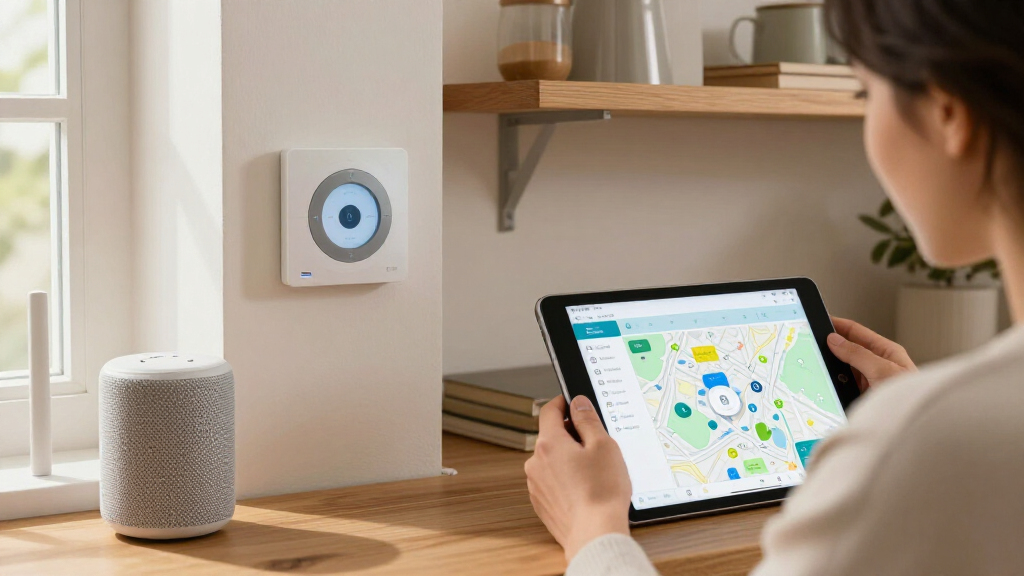
According to the report by Matter Alpha, users can add compatible Thread devices by entering their Matter pairing codes. UniFi can then display details such as manufacturer, model, firmware version, battery status and wireless signal strength, where those details are available from the device. UniFi also discovers existing Thread border routers and shows how Thread devices connect to the wider network through them.
The update’s other relevant feature is Time Machine, which preserves historical network topology. That can let users review what changed in the network before a device went offline, rather than relying only on its current status. The report does not provide test results establishing how consistently this history identifies the cause of a disconnection.
There are practical limits. Individual Matter devices must be commissioned into UniFi using a code generated by an existing smart-home controller; the report says there is no bulk-import option. Users also need a compatible UniFi OS gateway running version 6.0.10 or later, with IPv6 and mDNS enabled on the relevant network. Those requirements may complicate setup where smart-home devices are separated across network VLANs.
Better Clues When Thread Devices Drop
Thread is designed to connect low-power smart-home devices through a mesh, but knowing that a device has stopped responding does not necessarily reveal why. A network view that links a product’s Matter identity to its Thread connection may help users distinguish between a device problem and a change in its route or border-router connection. That makes UniFi Network 11 potentially useful for troubleshooting connectivity, particularly in homes with several Thread devices.
The feature is not a replacement for Apple Home or another Matter controller. UniFi is adding network visibility, not light controls, scenes or automation tools. Its value will depend on which device details are exposed, how reliably topology history records changes and how much manual setup users are willing to do.
Matter-over-Thread smart home devices
As an affiliate, we earn on qualifying purchases.
As an affiliate, we earn on qualifying purchases.
Matter Identity Meets Thread Topology
Thread provides the low-power networking layer and tracks information such as addresses, neighboring nodes and routing. That network data does not necessarily identify a connected product as a particular brand or model. Matter supplies device identity and product information, but accessing it generally requires an authorised Matter controller.
The report says UniFi’s requirement for a pairing code suggests that it obtains device details through an authorised Matter connection rather than identifying products through passive Thread scanning alone. Matter supports multi-admin, allowing a device to be connected to more than one ecosystem. A device can, for example, remain in Apple Home while being added to another Matter fabric. Ubiquiti has not publicly detailed the technical implementation in the material provided.
The report also points to Ubiquiti’s previously reported SuperLink Gateway HA, described as combining the company’s long-range wireless technology with a standard Thread border router. UniFi Network 11 offers an early view of how Ubiquiti might present Thread diagnostics, but the company has not confirmed how that gateway and the new monitoring features will work together.
“The headline feature is Matter device monitoring.”
— Matter Alpha report
Ubiquiti UniFi Network 11 compatible devices
As an affiliate, we earn on qualifying purchases.
As an affiliate, we earn on qualifying purchases.
Setup Limits and Open Questions
The report does not specify which Matter-over-Thread devices expose each listed data point, or whether all compatible products will provide the same level of detail. It also does not establish how quickly topology history updates or whether Time Machine can identify a specific cause when a device disconnects. The manual pairing requirement is clear, but the amount of time setup takes will vary with the number of devices and the user’s network configuration.
Ubiquiti’s longer-term plans are also unknown. The update does not establish whether UniFi will add smart-home controls or automation, or how the monitoring feature will connect with the SuperLink Gateway HA. The source describes the update, but no independent performance testing or company statement about those future plans is included.
As an affiliate, we earn on qualifying purchases.
What UniFi Users Can Check
Users considering the feature will need to check their UniFi OS gateway model and software version, then confirm that IPv6 and mDNS are enabled on the network carrying their Matter devices. They will also need pairing codes from their existing smart-home controller and should expect to add devices one at a time.
Further detail from Ubiquiti would clarify supported device models, the scope of the available diagnostic data and whether bulk setup or closer integration with the SuperLink Gateway HA is planned. Until then, UniFi Network 11 should be understood as a new monitoring option with stated hardware and configuration requirements, not a broader Matter control platform.
smart home network topology monitor
As an affiliate, we earn on qualifying purchases.
As an affiliate, we earn on qualifying purchases.
Key Questions
What does UniFi Network 11 add for Matter and Thread?
It adds monitoring for compatible Matter-over-Thread devices, with supported device details and Thread connections shown in UniFi’s network topology view.
Can UniFi Network 11 control smart-home devices?
No. The report describes the feature as monitoring and diagnostics. It does not replace a Matter controller or add device controls and automations.
What do I need to add a Matter device?
You need a compatible UniFi OS gateway running version 6.0.10 or later, IPv6 and mDNS enabled on the relevant network, and a Matter pairing code. The report says devices must be added individually.
Does UniFi identify every Thread device automatically?
No. The report says UniFi can discover existing Thread border routers, but users must add individual Matter devices manually using pairing codes.
Will UniFi work with Apple Home devices?
Matter supports multi-admin, which can let a device remain in Apple Home while being added to another Matter ecosystem. The report says UniFi appears to use this capability, but users still need to commission each device into UniFi.
Source: rss
Fall yard work Picks
leaf blowers
As an affiliate, we earn on qualifying purchases.