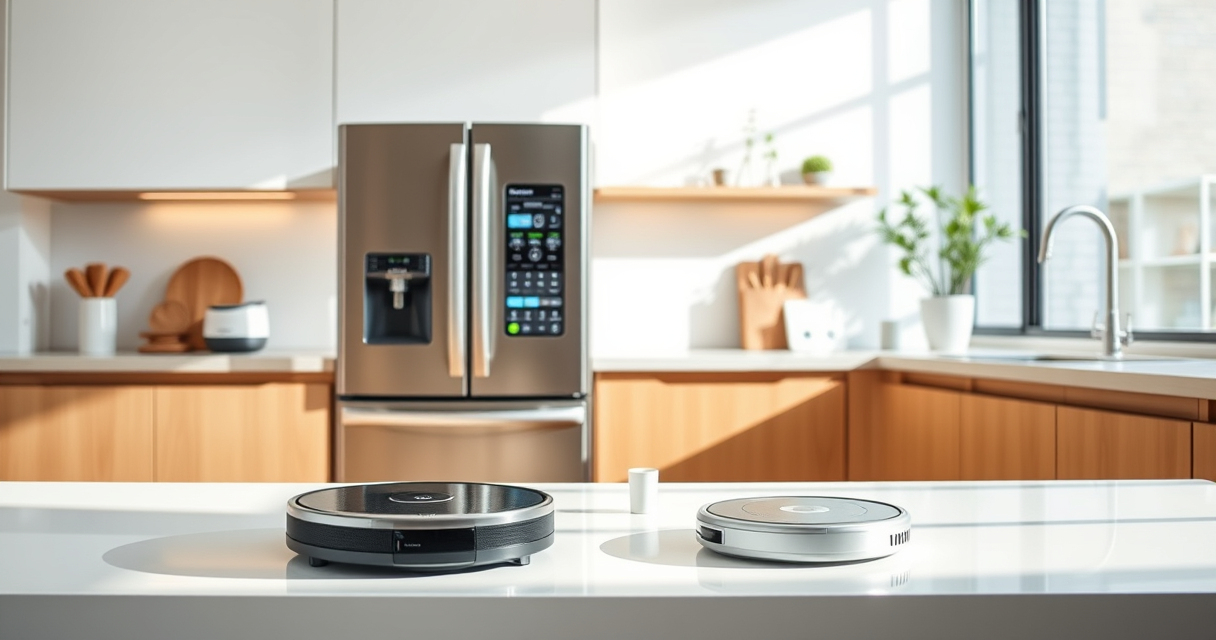
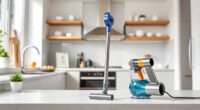
If your Roborock Q7 M5+ robot vacuum keeps getting stuck during cleaning, it can be frustrating and reduce its effectiveness. Fortunately, most sticking issues are fixable with simple troubleshooting steps. This guide will walk you through practical, safe, and effective methods to resolve common problems causing your Roborock to get stuck, ensuring smooth and efficient cleaning sessions.
Before you start, make sure your vacuum is powered on and connected to the app for easy diagnostics and adjustments. Having some basic tools like a small brush or cloth on hand can also help during the process.
Key Takeaways
| Check for obstacles | Remove objects and clear clutter from the robot’s path. |
| Inspect wheels and brushes | Clean or replace wheels and brushes to prevent jams. |
| Update firmware | Ensure your robot has the latest software for optimal navigation. |
| Adjust cleaning settings | Modify map or cleaning zones to avoid problem areas. |

roborock Q7 M5+ Robot Vacuum and Mop, Up to 7-9 Weeks Self-Empty, 10000Pa
- Long-Lasting Self-Emptying: Up to 9 weeks with 2.7L dust bag
- Powerful Suction: 10000Pa for deep cleaning
- Tangle-Resistant Brushes: Dual anti-tangle design for pet hair
As an affiliate, we earn on qualifying purchases.
Step 1: Clear Obstructions and Clutter
- Power off the robot vacuum before handling.
- Check the entire cleaning path for obstacles like cords, small objects, or rugs with fringes.
- Remove or reposition items that may interfere with navigation.
- Inspect the wheels and brushes for debris or tangled hair and clean them thoroughly with a small brush or cloth.
Step 2: Clean and Inspect the Wheels and Brushes
- Lift the robot to access the wheels and brushes.
- Remove any hair, dust, or debris tangled around the wheels and brush axes.
- Use a dry cloth or soft brush to clear stubborn debris.
- Reinstall everything securely before testing.
Step 3: Check and Update Firmware
Open the Roborock app and connect to your vacuum. Navigate to the firmware update section and install the latest version if available. Firmware updates often include navigation improvements that can prevent getting stuck.
Step 4: Adjust Navigation Settings or Map
If your vacuum consistently struggles in specific areas, consider editing the map within the app to create no-go zones or restricted areas. This prevents the robot from attempting to navigate complex or cluttered zones that may cause it to get stuck.
Tips and Warnings
- Always power off the vacuum before cleaning wheels or brushes to avoid injury or damage.
- Do not use harsh chemicals when cleaning the robot’s sensors or wheels, as this can damage sensitive parts.
- Regularly update the firmware to benefit from navigation and bug fixes.
- If problems persist after troubleshooting, contact Roborock support for further assistance.
The Products in This Guide

roborock Q7 M5+ Robot Vacuum and Mop
- ✔ Self-Empty Time: Up to 9 weeks
- ✔ Max Suction: 10000Pa
- ✔ Navigation Type: LiDAR

4 Pack Washable Filter
- ✔ Washable: Yes
- ✔ Compatibility: Multiple models
- ✔ Filter Type: HEPA
roborock Q7 M5+ Robot Vacuum and Mop
The Roborock Q7 M5+ Robot Vacuum and Mop offers powerful suction, smart navigation, and a self-emptying system, making it a reliable option for pet owners and busy households.
Pros:
- Powerful 10000Pa suction
- Long-lasting self-emptying dust bag
- Dual anti-tangle system
- PreciSense LiDAR navigation
Cons:
- Higher price point
- Requires app setup
- Can be bulky in tight spaces
Best for: Homes with pets and carpets requiring thorough cleaning
Not ideal for: Small spaces with tight corners or cluttered areas
Bottom line: A high-performance vacuum ideal for pet owners seeking minimal maintenance.
4 Pack Washable Filter
The 4 Pack Washable Filter provides effective filtration and is compatible with multiple Roborock models, including the Q7 series. Replacing or upgrading filters can improve suction and air quality.
Pros:
- Reusable and washable
- Compatible with many models
- Improves filtration efficiency
- Simple to install
Cons:
- Requires regular washing
- Not OEM, but high quality
- Replacement needed every few months
Best for: Maintaining optimal air quality and suction performance
Not ideal for: If you prefer OEM parts or have a different model than listed
Bottom line: A cost-effective filter upgrade to keep your vacuum performing at its best.
Frequently Asked Questions
Why does my Roborock keep getting stuck in the same spot?
It might be due to obstacles, tangled brushes, or navigation issues. Clear the area, clean the brushes, and update firmware to resolve this.
How often should I clean the wheels and brushes?
It’s recommended to clean the wheels and brushes weekly, especially if you have pets or thick carpets to prevent tangling and ensure smooth movement.
Can I prevent my Roborock from entering certain areas?
Yes, use the app to create no-go zones or restrict specific areas on the map, helping avoid trouble spots.
What should I do if my vacuum still gets stuck after troubleshooting?
Contact Roborock support for detailed assistance or consider replacing worn parts like filters or brushes.
Keep Your Roborock Moving Smoothly
Regular maintenance, obstacle removal, and software updates are key to preventing your Roborock from getting stuck. Following these troubleshooting steps will help maintain optimal performance and ensure your home stays clean with minimal hassle. If problems persist, professional support is available to assist further.
Affiliate disclosure: As an Amazon Associate we earn from qualifying purchases. Prices and availability are accurate as of the time of publishing.